NextChat Third-Party API Quick Start: Vercel and Docker Deployment
Deploy a private NextChat client with Vercel or Docker, connect it to a third-party API, switch models, and avoid the common BASE_URL /v1 issue.
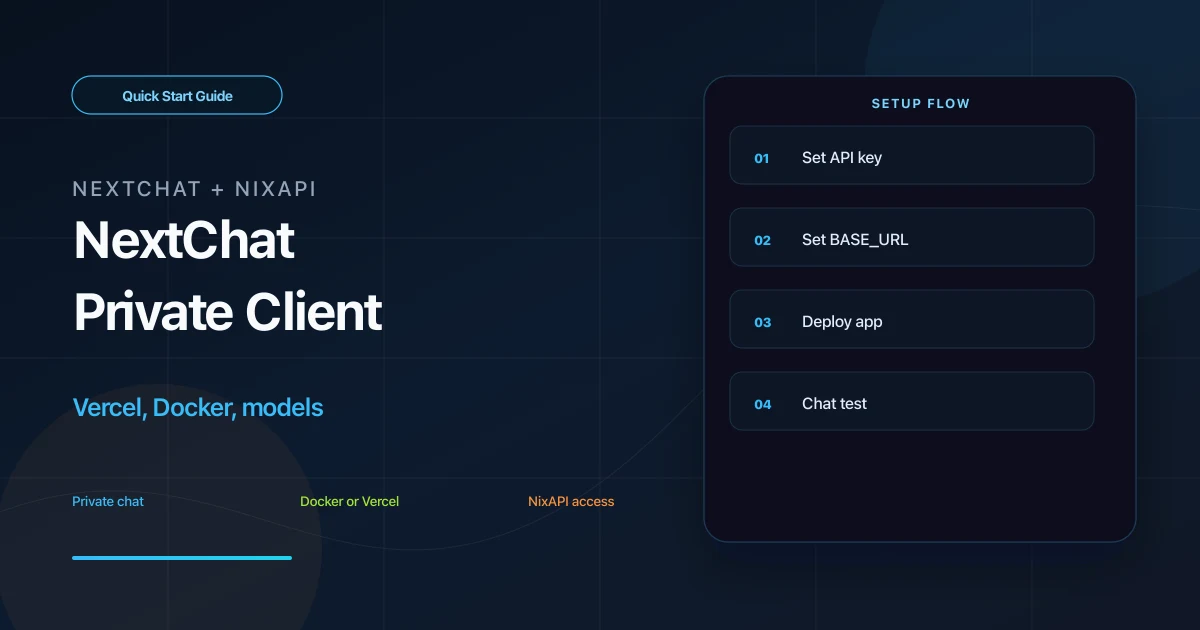
NextChat is an open-source AI chat client, formerly known as ChatGPT Next Web. It supports Vercel one-click deployment, Docker self-hosting, and lightweight team chat setups.
Because NextChat supports OpenAI-compatible APIs, you can connect it to NixAPI and use GPT, Claude, Gemini, DeepSeek, MiniMax, and other models in one private chat UI.
The most important detail: for NextChat, set BASE_URL to https://nixapi.com without /v1.
Prerequisites
Prepare:
- A NixAPI API Key
- A NextChat deployment method: Vercel, Docker, or an existing deployment
- An access password through
CODE
Create the API Key in the NixAPI console. Model list and pricing are available on the NixAPI pricing page.
Why BASE_URL Has No /v1
Many OpenAI-compatible tools require:
https://nixapi.com/v1
NextChat is different. It appends /v1 internally, so the environment variable should be:
https://nixapi.com
If you enter https://nixapi.com/v1, the actual request may become /v1/v1, causing 404 or Failed to fetch.
Option 1: Vercel Deployment
NextChat can be deployed from GitHub to Vercel. During deployment, set these environment variables:
| Variable | Value | Notes |
|---|---|---|
OPENAI_API_KEY | nix-your-api-key | NixAPI API Key |
BASE_URL | https://nixapi.com | No /v1 |
CODE | A custom password | Required to access your app |
After deployment, Vercel will provide a *.vercel.app domain. Open it, enter CODE, and send a test message.
Option 2: Docker
For a self-hosted server:
docker run -d -p 3000:3000 \
  -e OPENAI_API_KEY=nix-your-api-key \
  -e BASE_URL=https://nixapi.com \
  -e CODE=my-password-123 \
  yidadaa/chatgpt-next-web
Then open:
http://localhost:3000
On a server, replace localhost with your server IP or domain.
Option 3: Docker Compose
Create docker-compose.yml:
version: '3'
services:
  nextchat:
    image: yidadaa/chatgpt-next-web
    ports:
      - "3000:3000"
    environment:
      OPENAI_API_KEY: nix-your-api-key
      BASE_URL: https://nixapi.com
      CODE: my-password-123
    restart: unless-stopped
Start it:
docker compose up -d
Again, BASE_URL does not include /v1.
Option 4: Existing Deployment
If you already have NextChat deployed, open its settings page and find custom API settings.
Set:
- API Key: your NixAPI API Key
- API endpoint:
https://nixapi.com - Save and test from the chat page
Older versions may call this field OpenAI Endpoint, API URL, or custom endpoint. The no-/v1 rule still applies.
Switching Models
NextChat usually lets you select a model at the top of the conversation. If the model is not listed, add it as a custom model name in settings.
Suggested models:
gpt-5.4claude-sonnet-4-20250514claude-opus-4-7gemini-3-pro-previewdeepseek-v4
Model names must match NixAPI exactly. Copy IDs from the NixAPI supported models page. Pricing varies by model, so check the NixAPI pricing page before team usage.
NixAPI currently has a limited-time top-up exchange rate: RMB 0.80 = USD 1.00.
Masks and Templates
NextChat’s “Mask” feature is a preset System Prompt template. Useful examples:
- Code review assistant
- Weekly report generator
- Translation assistant
- Product requirement organizer
- Customer support draft writer
Each mask can use a different model. For example, use claude-sonnet-4-20250514 for code review and a lower-cost model for daily rewriting.
Troubleshooting
Failed to fetch
Check BASE_URL. In NextChat, it should be:
https://nixapi.com
not:
https://nixapi.com/v1
401 after sending a message
The API Key is invalid or incomplete. Copy it again from the NixAPI console.
Model not found
Copy the exact model ID from the NixAPI supported models page.
How do I update a Vercel deployment?
Sync your forked NextChat repository with upstream. Vercel usually redeploys automatically. Back up environment variables before changing deployment settings.
Where are chat records stored?
NextChat stores chat history in browser local storage by default. The conversation content is still sent to the API endpoint during model calls, as with any remote model API.
Summary
NextChat third-party API setup depends on OPENAI_API_KEY and BASE_URL=https://nixapi.com. This is one of the few tools where the Base URL does not include /v1.
Try NixAPI Now
Reliable LLM API relay for OpenAI, Claude, Gemini, DeepSeek, Qwen, and Grok with ¥1 = $1 top-up
Sign Up Free