Codex Desktop Third-Party API Quick Start: Configure the responses API
Configure Codex Desktop with auth.json and config.toml, including base_url and wire_api=responses, to use a third-party OpenAI-compatible API.
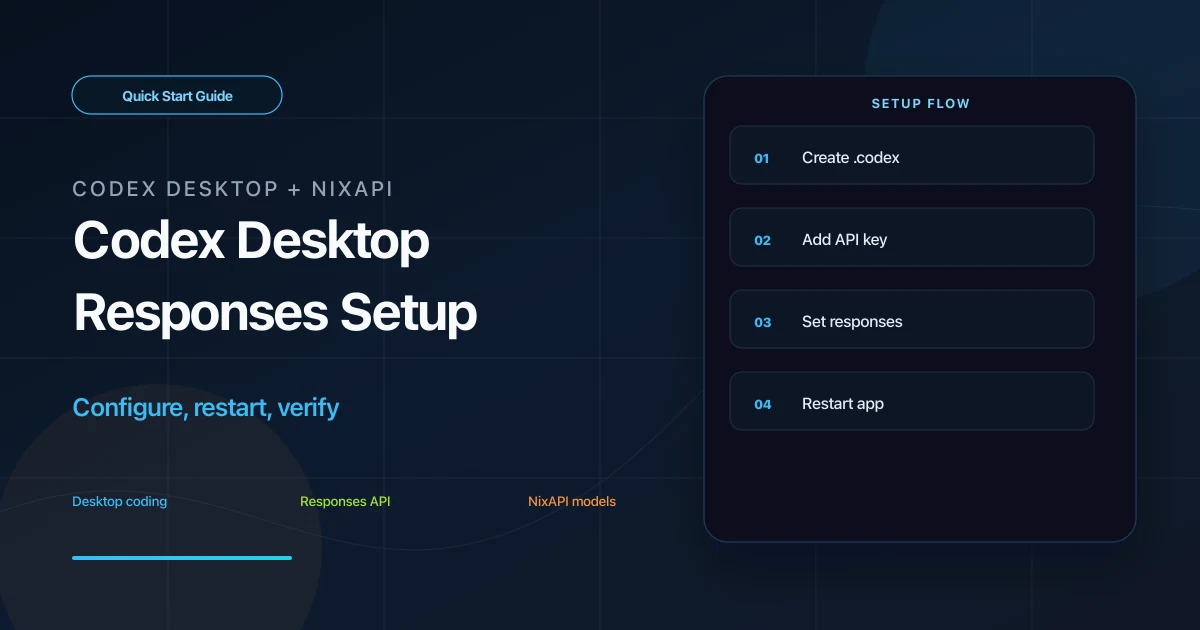
Codex Desktop reads configuration from the .codex directory in your user home. By creating auth.json and config.toml, you can make the desktop app call an OpenAI-compatible third-party API such as NixAPI.
This guide assumes Codex Desktop is already installed. You only need to create two config files and restart the app.
Prerequisites
You need:
- Codex Desktop installed
- A NixAPI API Key
- Permission to edit hidden files in your user directory
If you do not have a key, create one in the NixAPI console. NixAPI currently has a limited-time top-up exchange rate: RMB 0.80 = USD 1.00, which is useful to know before running long coding tasks.
Step 1: Locate the .codex Directory
Codex Desktop uses the same user-level directory as Codex CLI:
- Windows:
C:\Users\your-name\.codex\ - macOS:
~/.codex/
If you cannot see .codex:
- Windows: enable “Show hidden items” in File Explorer
- macOS: press
Command + Shift + .in Finder
If the folder does not exist, create it. On macOS:
mkdir -p ~/.codex
touch ~/.codex/auth.json ~/.codex/config.toml
On Windows, make sure the files are not saved with .txt extensions.
Step 2: Write auth.json
Open .codex/auth.json and add:
{
  "OPENAI_API_KEY": "nix-your-api-key"
}
Replace nix-your-api-key with your real NixAPI API Key.
Step 3: Write config.toml
Open .codex/config.toml and add:
model = "gpt-5.4"
model_provider = "nixapi"
model_reasoning_effort = "medium"
disable_response_storage = true
preferred_auth_method = "apikey"

[model_providers.nixapi]
name = "NixAPI"
base_url = "https://nixapi.com/v1"
wire_api = "responses"
requires_openai_auth = true
Two fields matter most:
base_urlmust behttps://nixapi.com/v1wire_apimust beresponses
Codex Desktop uses the responses protocol. If wire_api is set to chat, or /v1 is missing from the Base URL, you may see 404, unknown endpoint, or empty response errors.
You can change the model to:
gpt-5.4claude-sonnet-4-20250514claude-opus-4-7gemini-3-pro-previewdeepseek-v4
Use the NixAPI supported models page as the source of truth.
Step 4: Restart Codex Desktop
Save both files and fully quit Codex Desktop:
- macOS: use
Command + Q - Windows: also check the system tray
Open the app again and send:
Hello. Explain how you can help me write code.
If you get a normal reply, Codex Desktop is using the configured third-party API.
Troubleshooting
The app still asks for an official login
The config files were probably not loaded. Check the directory path, file names, and file extensions.
404 or Unknown endpoint
Make sure both are present:
base_url = "https://nixapi.com/v1"
wire_api = "responses"
Model not found
Copy the model ID from the NixAPI pricing page, then update the model field.
Windows sandbox permission issue
If command execution keeps failing because of permissions, add:
[windows]
sandbox = "elevated"
Then fully restart the app.
Changes do not apply
Closing the window may not quit the app. Make sure no Codex Desktop process remains in the Dock, tray, or background.
Summary
Codex Desktop requires OPENAI_API_KEY in auth.json, plus base_url = "https://nixapi.com/v1" and wire_api = "responses" in config.toml. Once set up, you can switch models by changing the model ID.
Try NixAPI Now
Reliable LLM API relay for OpenAI, Claude, Gemini, DeepSeek, Qwen, and Grok with ¥1 = $1 top-up
Sign Up Free